


This short guide will help you to send us appropriate information to produce a beautiful stretch table cover. Even if you are not an expert in the graphic design.
Follow these steps:
- Provide us information about the table you have. Check if it is a standard catering table i.e. 180x75cm, 150x75cm, 120x60cm. If not measure your table and send us its photo. How to measure the table.
- Send us your logo files. To prepare a customized, unique print on an elastic table cover we need image files in vector format or at least 300 dpi raster format.
- Tell us what background color you need. Choose one from Pantone scale. If possible send us your brand book.
- Provide the tag line or header that you want to have on your cover (if applicable).
- We will prepare the proposal of the print within 3 working days.
What is the difference between the vector and raster file?
- Vector files (in curves) .svg | .pdf | .eps | .ai | .cdr
In which the image is described by geometric shapes – curves, segments, circles, polygons. They are all saved thanks to parameteres – coordinates. Vector files can be enlarged to any nedeed size without losing its quality. Fonts are an example of that kind of files – you can make them smaller or bigger as you wish, but they do not lose their quality. - Raster graphics (bitmap) .tiff | .raw | .gif | .jpg | .png
It is a dot matrix data structure that creates a certain image. If you zoom in the picture, you can see single pixels. It is possible to work on them in a graphics program by changing each pixel as you wish. For example by reducing the effect of red eyes or evening skin tone.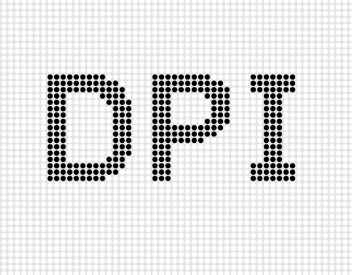
We divide raster (bitmap) files into two categories:
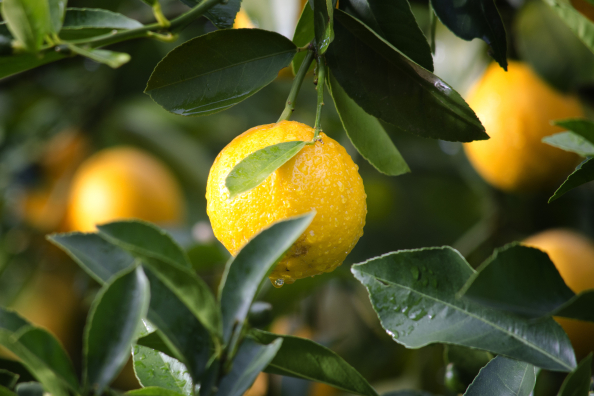
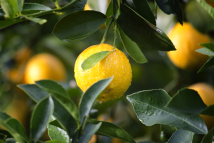
a) lossless compression files that are preserving untouched information about the digitial image. File extensions of this type are called .tiff and .raw.b) compressed files that are losing parts of information about the digital image. When we are saving such file we can choose the level of compression. File extensions of this type are called .png, .jpg, .gif. If we decide to use .png we can save an image with a transparent background. There are limiations when it comes to working on those files. We can zoom out an image, but it will only make the size of pixels bigger, not the amount of them. Thanks to that a picture can loose its quality, ended up blurry and with jagged edges.
What is DPI?
DPI means dots per inch it is a number of points printed by the printer in the distance of 1 inch or number of pixels shown on 1 inch of a screen. In other words it is called the resolution.
Below we present our company logo in two different resolutions 300 dpi and 72 dpi preserving the size of 2x2 inches respectively 5.08x5.08cm. The picture containing less points is blurred.
Examples of used resolutions:
- 300 dpi is the most common resolution used for all prints read from the close distance i.e catalogues, business cards, brochures
- 250 dpi is used for poster equal or bigger than B1, B2, A1 lub A2
- 150 dpi is used to make rollups, that are often seen from far distance
- 100 dpi is used for large-format printing.